All the tools your cottage food business needs, organized by job.
Explore the everyday work behind recipes, pantry, production, compliance, labels, storefront, orders, customers, analytics, website tools, inbox, and support — all built for cottage food operators.
Every module
Everything Cottage HQ does, by job.
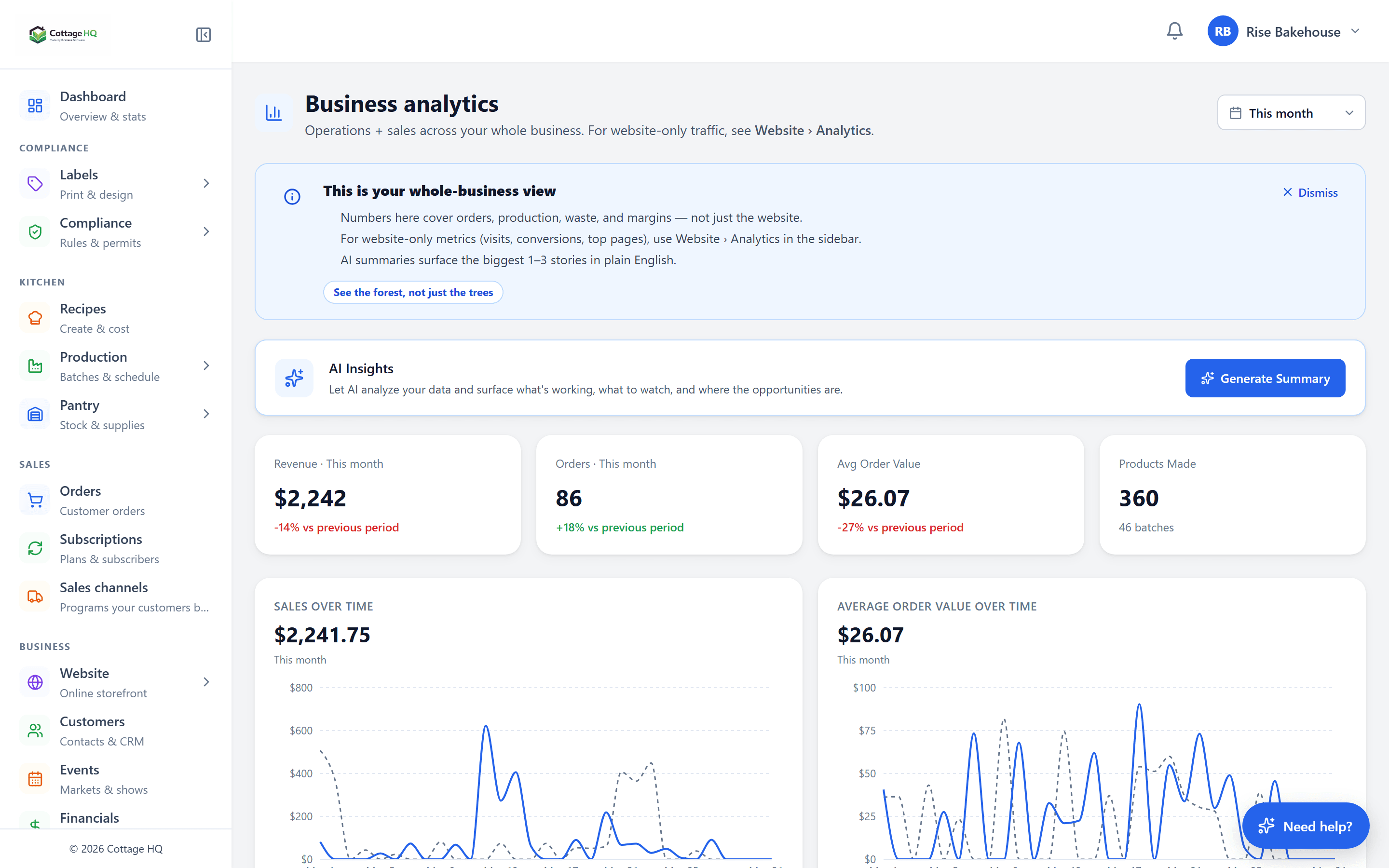
Five jobs. Twenty-two modules. Click any card to jump straight to its detailed feature list.
Make the food
From recipe to finished batch — every step costed, planned, and labeled.
Turn recipes into accurate product costs and profitable prices.
Know what you have, what it cost, and what needs to be used first.
Plan, log, and repeat production without overcommitting.
Stay organized around the rules that apply to your business.
Create repeatable, batch-aware labels faster.
Run the storefront
Your branded shop, the orders that come in, the people behind them, and the in-person stuff like markets and pop-ups.
Sell through a clean customer-facing storefront.
Manage sales from request to fulfillment.
Remember the people behind each order.
Farmers markets, pop-ups, workshops — plan, sell, and reconcile on-site sales.
Coupon codes, customer gifts, and auto-applied promos with full audit trail.
Customer-facing chat widget with operator dashboard and instant answers.
Market & communicate
Automations, broadcasts, and a branded inbox that turn one-off buyers into regulars.
Automated welcome, abandoned-cart, drop-reminder, and win-back sequences.
Block-based composer with template library, scheduling, and revenue tracking.
Custom addresses, roles, signatures, and inbox tools — on your own domain.
Customer reviews, ratings, and a flexible form builder for any intake.
Brand & content
Your storefront, your blog, your story — built with the same drag-drop tools.
Grow, analyze, automate
AI does the busywork. Loyalty earns the repeat buyers. Analytics tells you what is actually working. Support catches the rest.
Receipts, recipes, drops, blog posts, emails — AI gets the typing out of your way.
Encourage repeat customers with built-in rewards.
Real costs, real margin, real money — across recipes, batches, and the whole business.
See what is selling, who is buying, where traffic comes from, and what is shifting.
Learn the system and get unstuck.
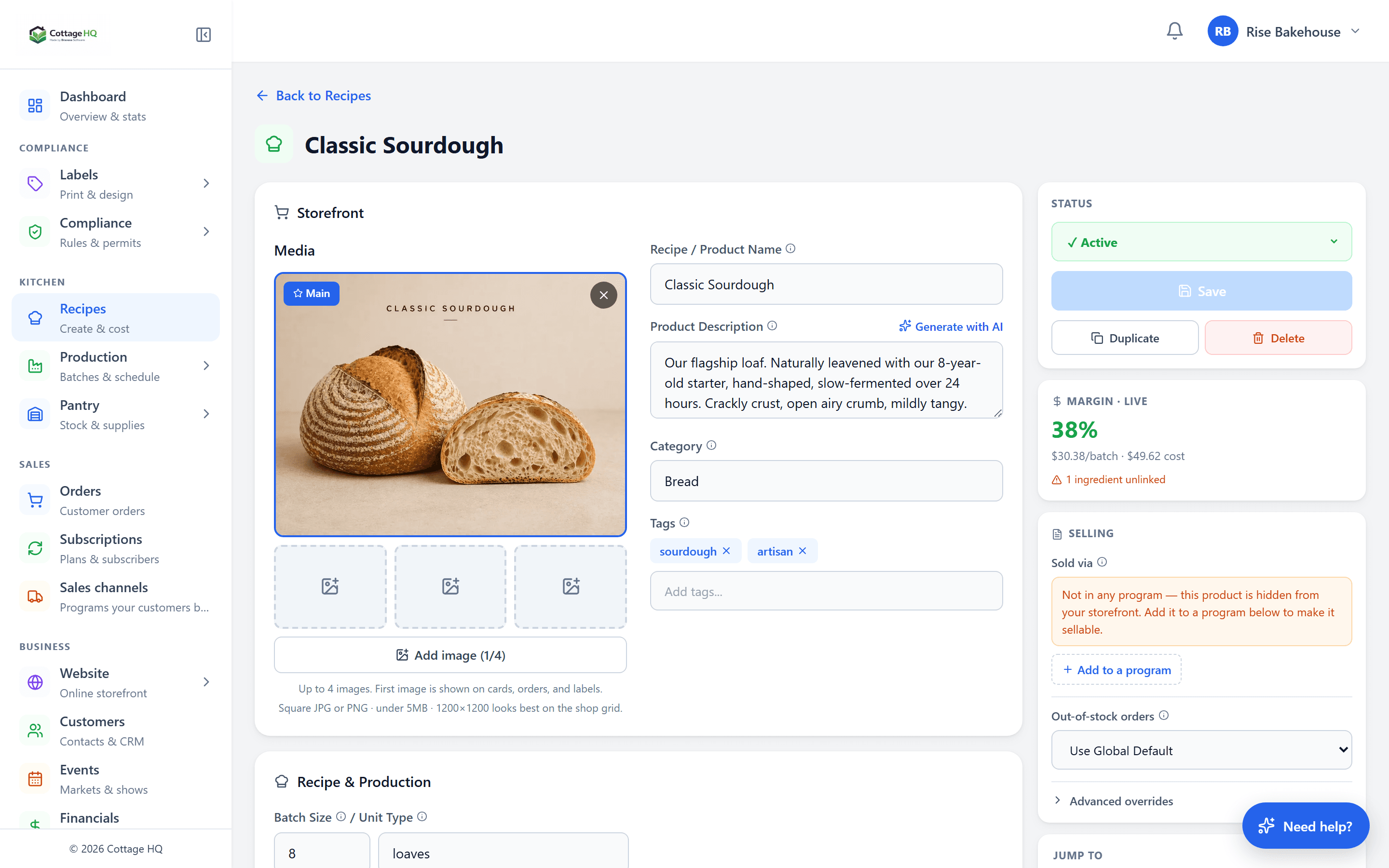
Recipes & Costing (9)
Recipes that adapt to how cottage food operators actually price and produce.
What you can do with it
- Recipe builder with ingredient lines, instructions, and prep/cook timings
- Real ingredient cost tracking — cost-per-unit live from FIFO pantry lots
- Unit conversions with ingredient-specific densities (grams ↔ cups ↔ tablespoons)
- Sub-recipes and reusable bases (sourdough starter, frostings, doughs)
- Yield tracking with batch size and units-per-batch
- Packaging cost support — supplies linked to recipes deduct per batch
- Production time tracking (prep + cook + cool + pack times on every recipe)
- Margin targets — cost × markup recalculates suggested retail
- AI recipe generation — paste handwritten, PDF, or image
Pantry & Inventory (12)
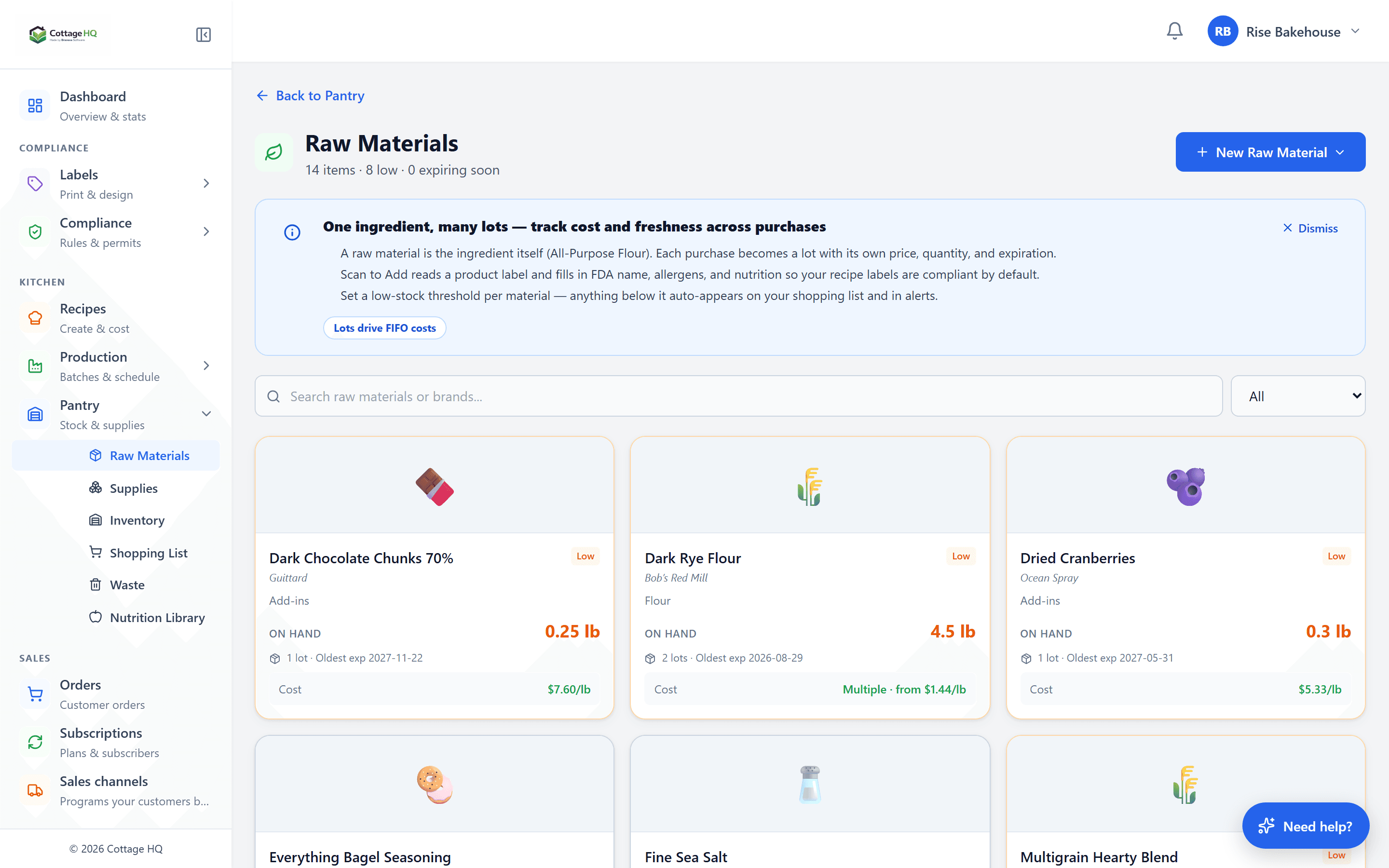
Every ingredient becomes a tracked lot. FIFO does the math so cost reports stay honest.
What you can do with it
- Ingredient inventory with categories and brands
- Per-lot tracking (quantity, expiration, cost including shipping)
- FIFO deduction on batch logging — oldest lot first
- Expiration dates surfaced on the production calendar
- Supplier records on each lot
- Purchase price history per ingredient
- Low-stock thresholds with auto-populated shopping lists
- Pantry deductions from batches recorded automatically
- Waste log with cost capture
- Stock adjustment history
- Ingredient categories for organization
- AI receipt scan → instant pantry lot entries
Production & Batch Management (8)
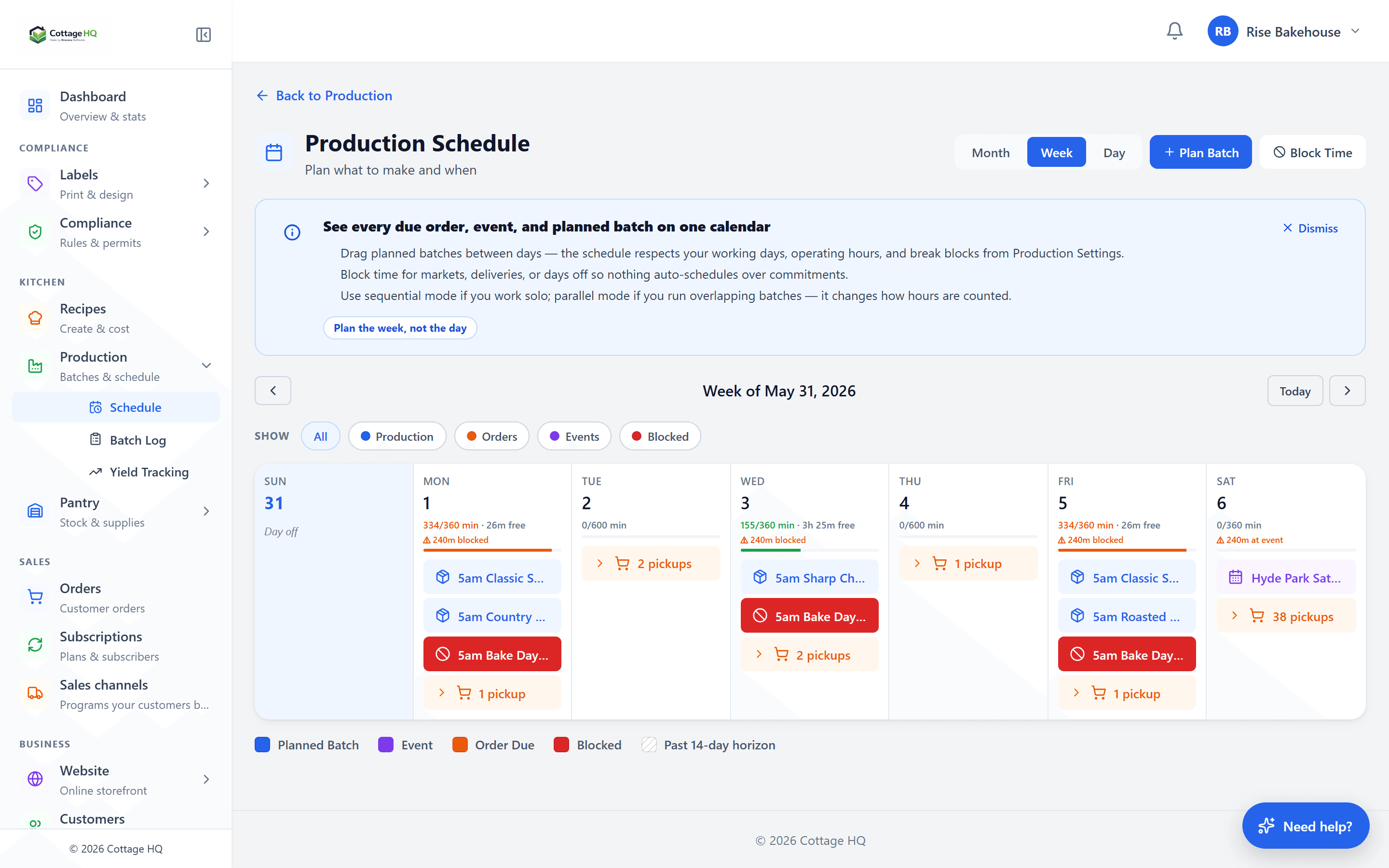
Plan against real capacity. Log against real lots. See real costs.
What you can do with it
- Drag-drop production calendar (month / week / day)
- Batch planning with quantity and target date
- Batch logs with real cost, yield, and consumed lots
- Ingredient availability checks before saving
- Yield variance tracking (planned vs actual)
- Prep time planning against operating hours
- Capacity warnings when planned work exceeds available time
- Production session templates (reusable bake-day patterns)
Orders & Sales (10)
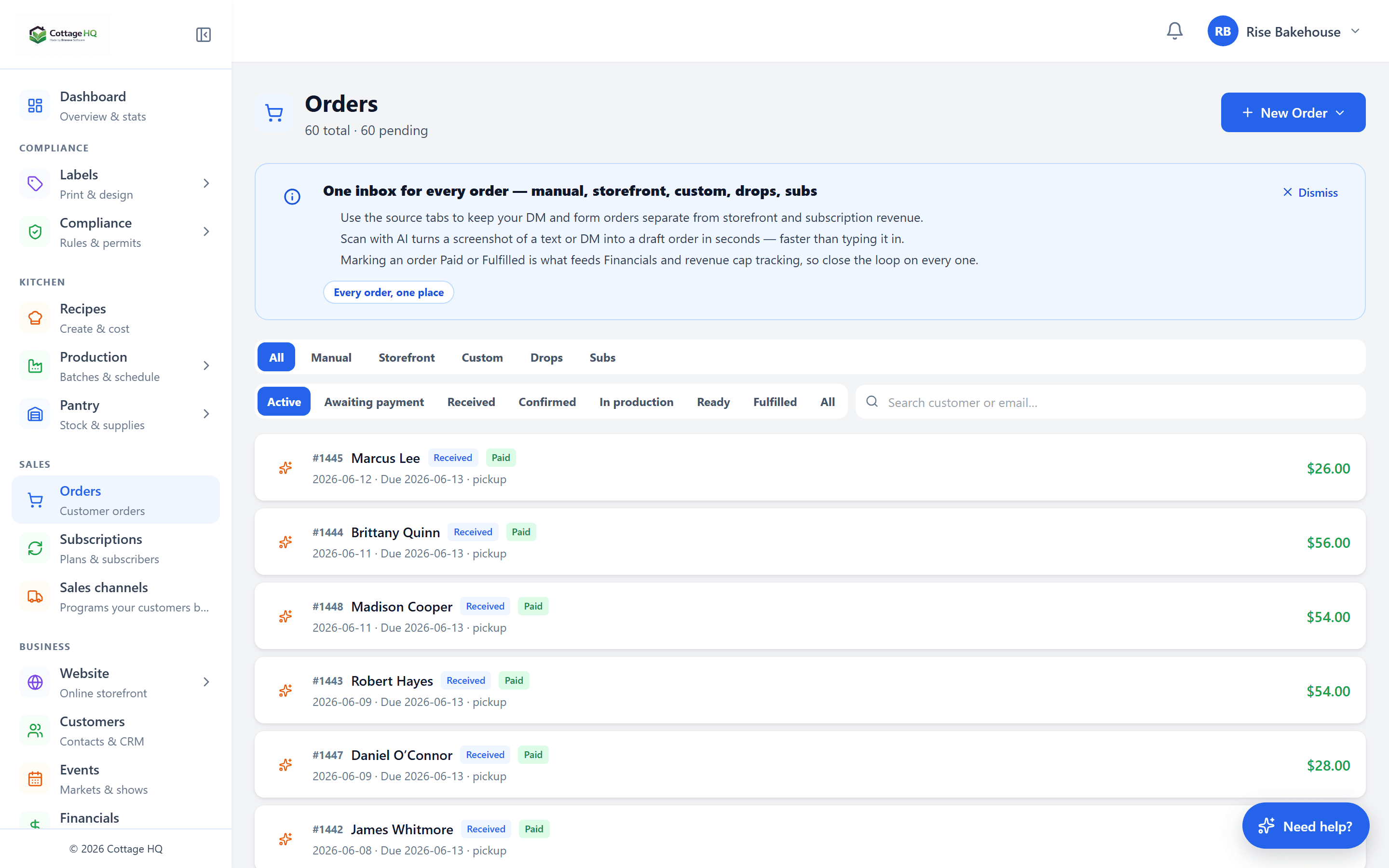
One inbox for every order channel. One way of working for every fulfillment.
What you can do with it
- Unified order inbox (storefront, custom, drop, subscription, manual)
- Order statuses (received, confirmed, in-production, ready, fulfilled)
- Pickup window scheduling with capacity limits
- Custom-quote request inbox with negotiate-and-accept flow
- Product drops — time-boxed pre-orders with deposit options
- AI order scan — paste a DM screenshot, AI extracts items into a draft order
- Payment status tracking (pending, due at pickup, paid, refunded)
- Fulfillment notes per order with pickup reminders to customers
- Order history per customer
- Sales export for tax reporting
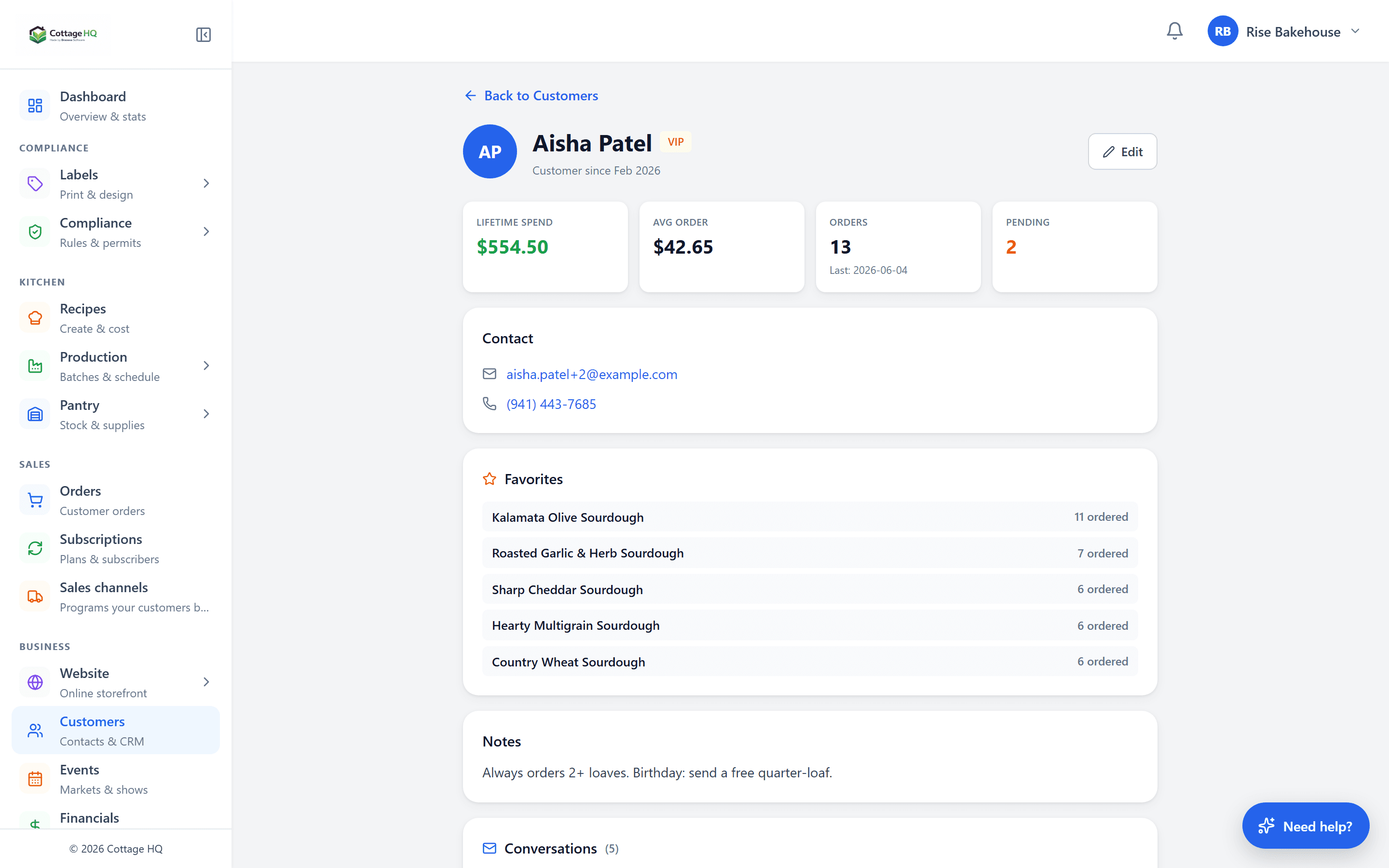
Customers & CRM (5)
Every customer has a profile. Every regular has their preferences saved.
What you can do with it
- Customer profiles with full order history
- Order history with totals, items, and pickup dates
- Allergies and dietary notes saved per customer
- Pickup preferences and notes that show on every order
- Operator-written notes that stay visible across orders
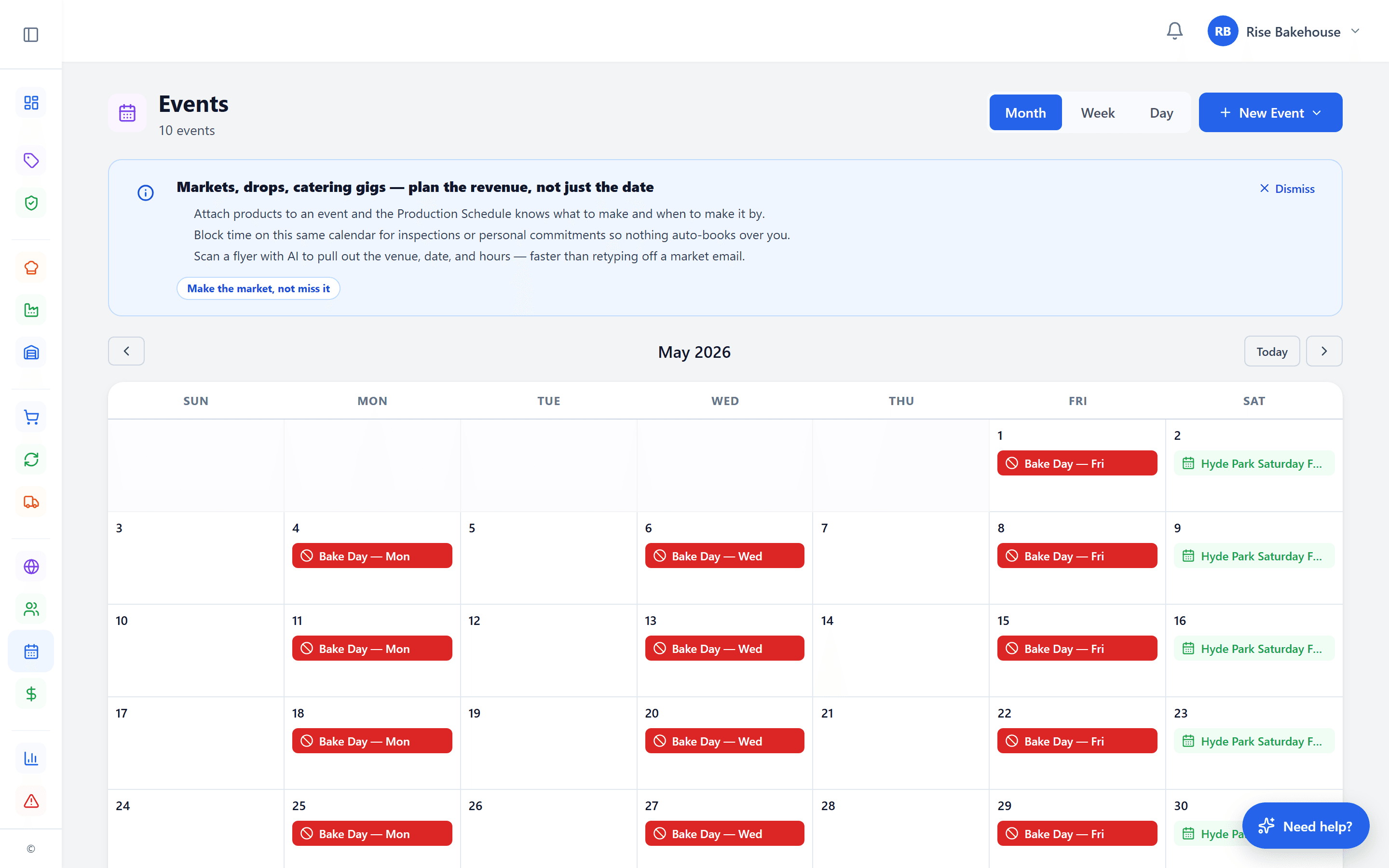
Events & Markets (8)
Cottage food often happens in person — farmers markets, pop-ups, holiday fairs, workshops. Plan them, sell at them, and reconcile after.
What you can do with it
- Event calendar with location, date, and operating hours
- Per-event product list with overrides for market-day pricing
- Walk-up sales tracking — capture cash + offline payment sales
- Customer-facing "where to find us" page on your storefront
- Time-block reservations on the production calendar for travel + setup
- Per-event sales tally with day-of revenue and item-level breakdown
- AI scan a market flyer to auto-draft a new event
- Workshop and class events with attendee caps and signup forms
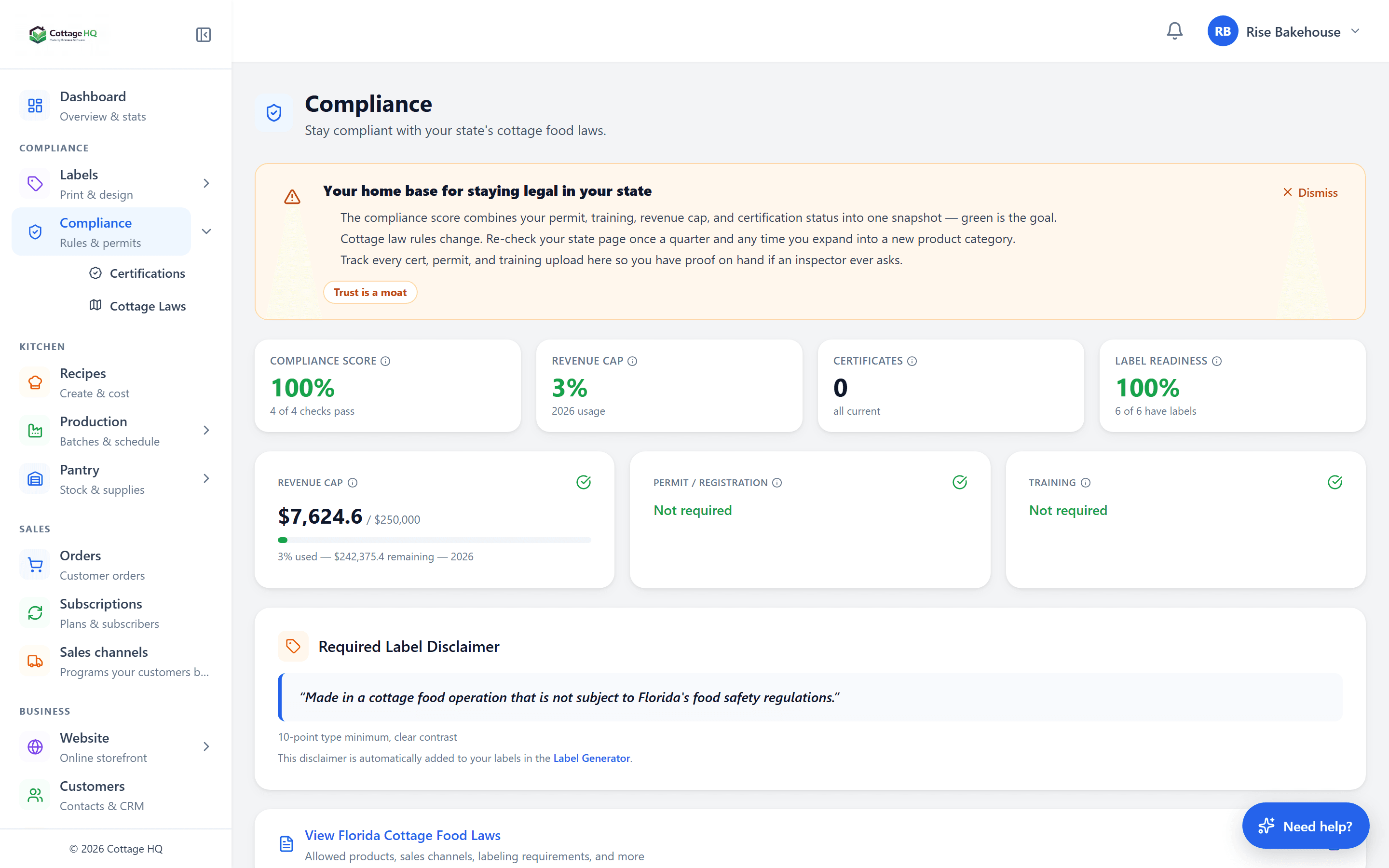
Compliance Tools (10)
Cottage food rules change. Cottage HQ watches the laws for you, keeps your records organized, and pings you when something matters.
What you can do with it
- License and certification storage with file uploads
- Renewal reminders with expiration alerts before things lapse
- Kitchen photo and inspection record vault
- State-by-state cottage food law reference (what you can sell, where, and how to label it)
- Automatic state-law monitoring — we scan for new bills and passed laws and flag what affects you
- AI legality check — ask "can I sell X in my state?" and get an answer with the relevant statute
- Product/category rule notes per state
- Label requirement reminders per state
- Compliance document export for audits and inspectors
- Operator responsibility disclaimer — you remain responsible for following the rules that apply to your business
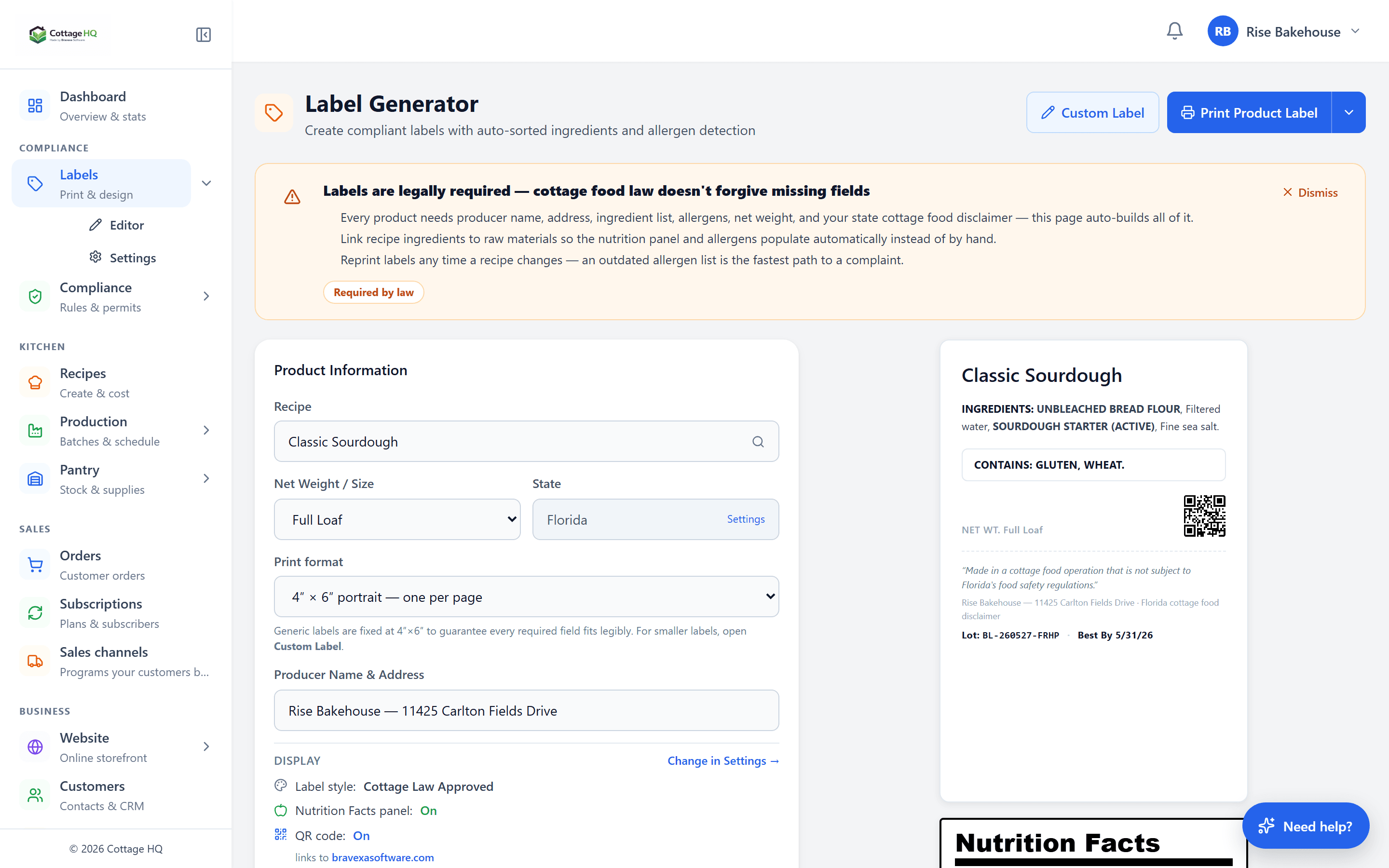
Labels & Printing (8)
Drag-and-drop labels with smart fields that auto-fill from each recipe.
What you can do with it
- Drag-and-drop label designer with snapping and alignment guides
- Ingredient list smart field auto-fills from the recipe
- Allergen statement auto-generated from ingredient allergens
- Net weight smart field
- Batch number smart field
- Avery sheet templates + custom dimensions
- Print-ready PDF export with one click
- Versioned label configs (rollback safe)
AI Assistance (12)
AI gets the typing out of your way. Receipts, recipes, drops, blog posts, emails, forms — paste it, snap it, or describe it, and Cottage HQ does the rest.
What you can do with it
- Receipt scan — photograph a grocery receipt, AI extracts each line into pantry lots
- Recipe scan — paste handwritten, PDF, or photo of a recipe; AI turns it into a structured recipe
- Order scan — paste a DM screenshot, AI extracts items + customer info into a draft order
- Drop schedule scan — photograph a market flyer, AI auto-drafts drops + dates
- "What can I make?" — checks your pantry against your recipes for what you can produce right now
- AI legality check — ask "can I sell X in my state?" and get a state-specific answer
- AI blog post + blog plan generators tuned to your niche
- AI broadcast generator — describe the campaign, get the email draft
- AI page transform — describe an edit ("make it warmer", "add testimonials") and AI rewrites the page
- AI email block rewrite — rewrite a single block or transform the whole email
- AI site generator — describe your business and AI builds the storefront
- Cottage Helper AI — page-aware assistant that knows your state laws and the platform
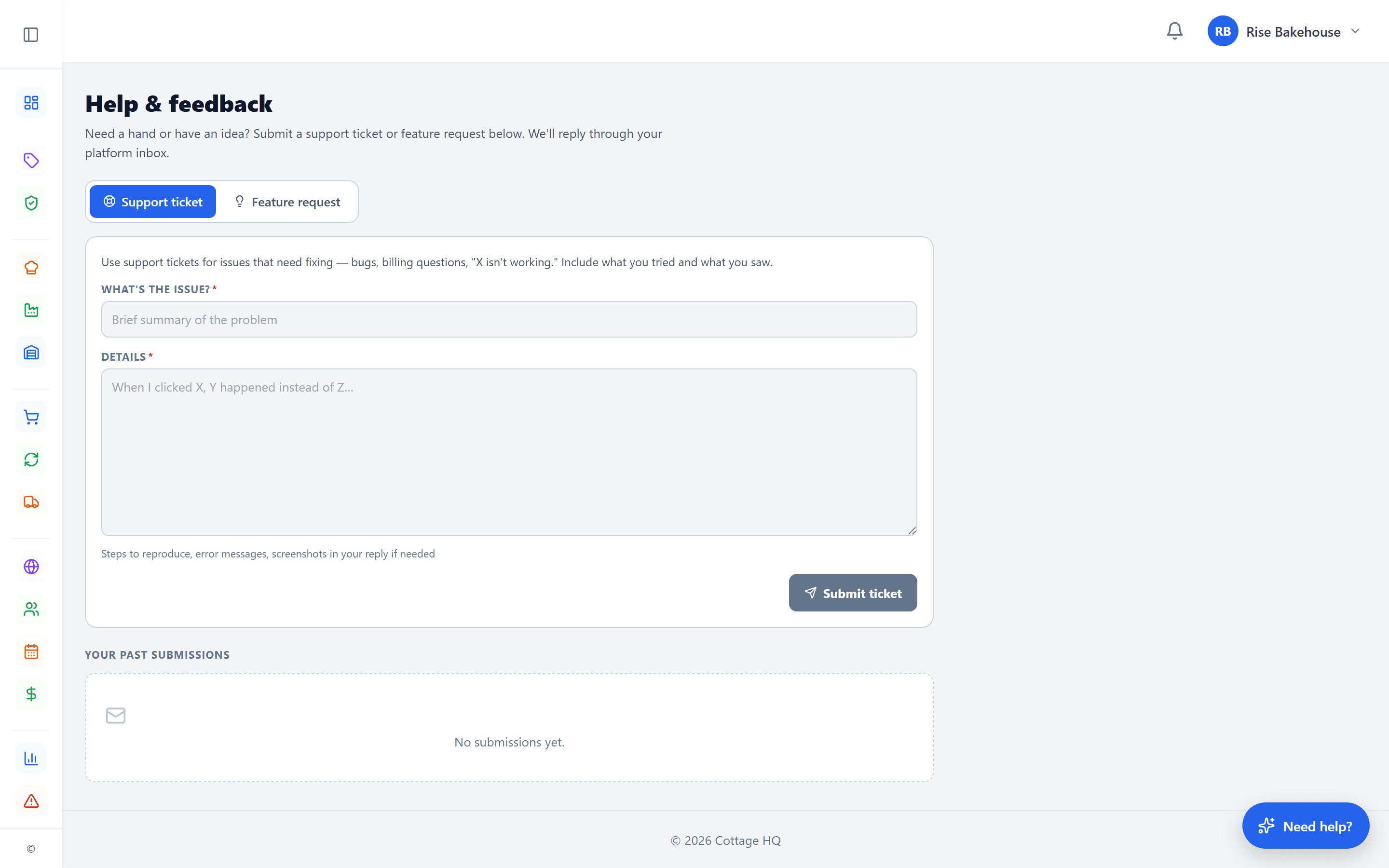
Loyalty & Rewards (5)
Reward repeat buyers automatically. Drive new ones through referrals.
What you can do with it
- Loyalty profiles per customer with points balance
- Rewards tracking via append-only ledger (earn, redeem, expire)
- Repeat customer insights (lifetime points, last order date)
- Customer segments (VIPs, regulars, lapsed)
- Reward campaign tools — welcome bonus, birthday, referral
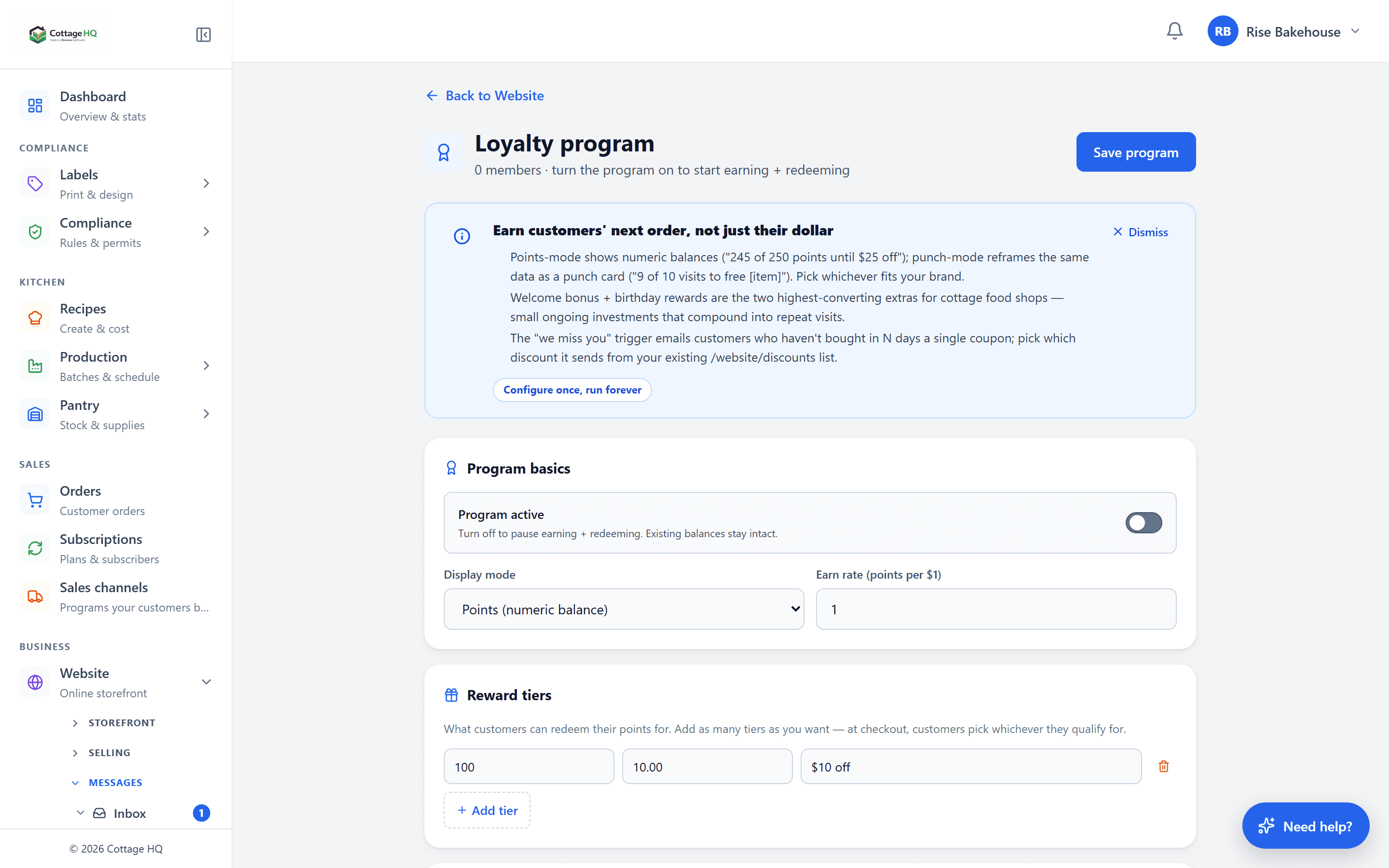
Financials (7)
Real cost, real margin, real money — across recipes, batches, and the business as a whole.
What you can do with it
- Revenue overview with month-to-date and year-to-date trends
- Product profitability — margin per recipe with ingredients, supplies, and packaging rolled in
- Ingredient cost trends across lots so price changes do not surprise you
- Waste reports with dollar impact and what spoiled when
- Best-selling products with units sold and revenue earned
- Expense tracking for non-ingredient costs (rent, utilities, equipment)
- Cost projections at different production volumes for pricing decisions
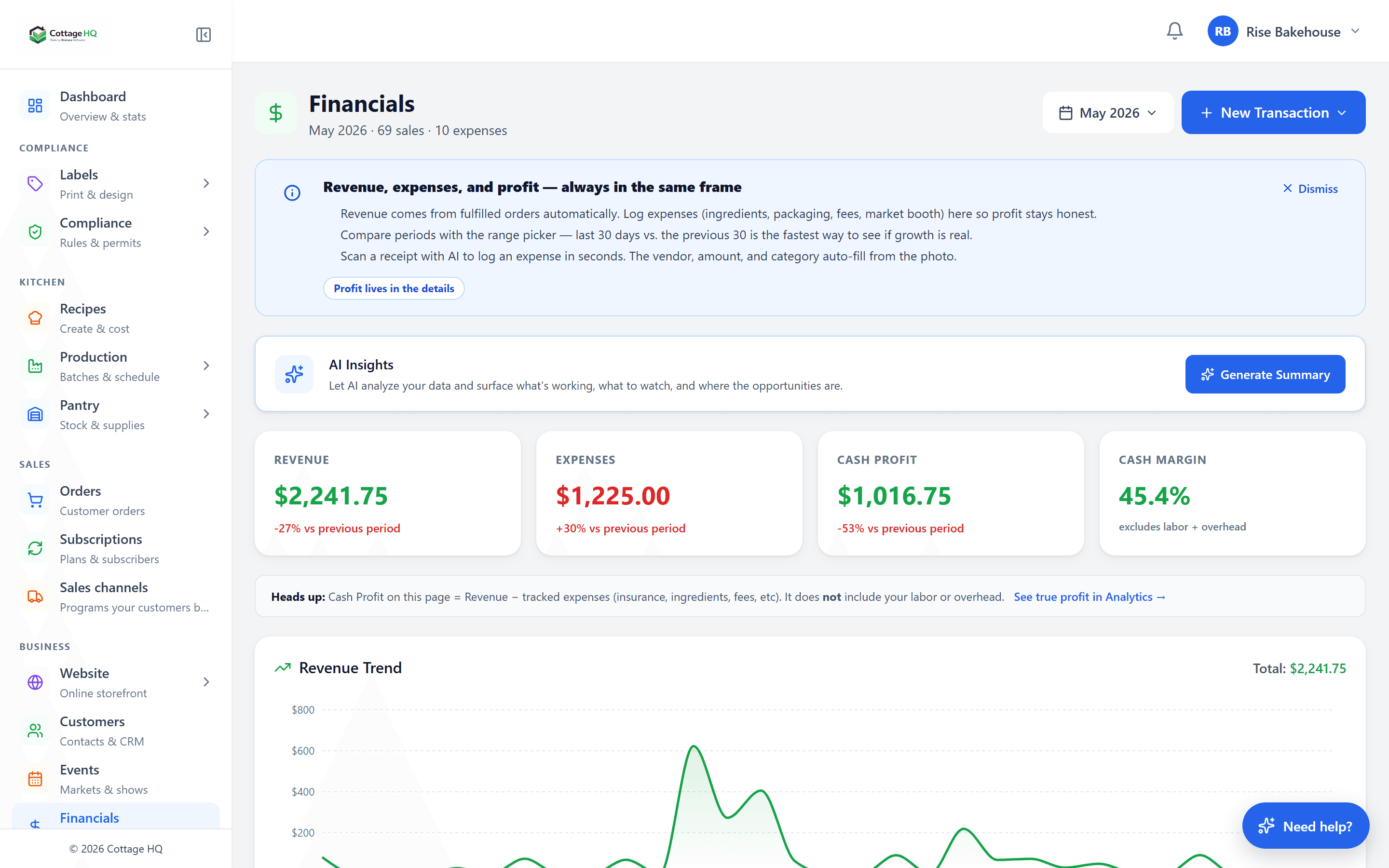
Analytics (8)
See what is selling, who is buying, where traffic is coming from, and what is starting to slip — before it costs you.
What you can do with it
- Storefront page views and unique visitor counts
- Conversion funnel — visits to add-to-cart to paid orders
- Top traffic sources (search, social, direct, referrals)
- Cart event tracking for abandoned-cart automations
- Customer lifetime value and repeat-purchase rate
- Drop performance — reservations, sell-through, revenue per drop
- Subscription health — active, paused, cancelled trends
- Anomaly detection — sudden revenue drops, traffic spikes, refund clusters surface as alerts
Website Builder (15)
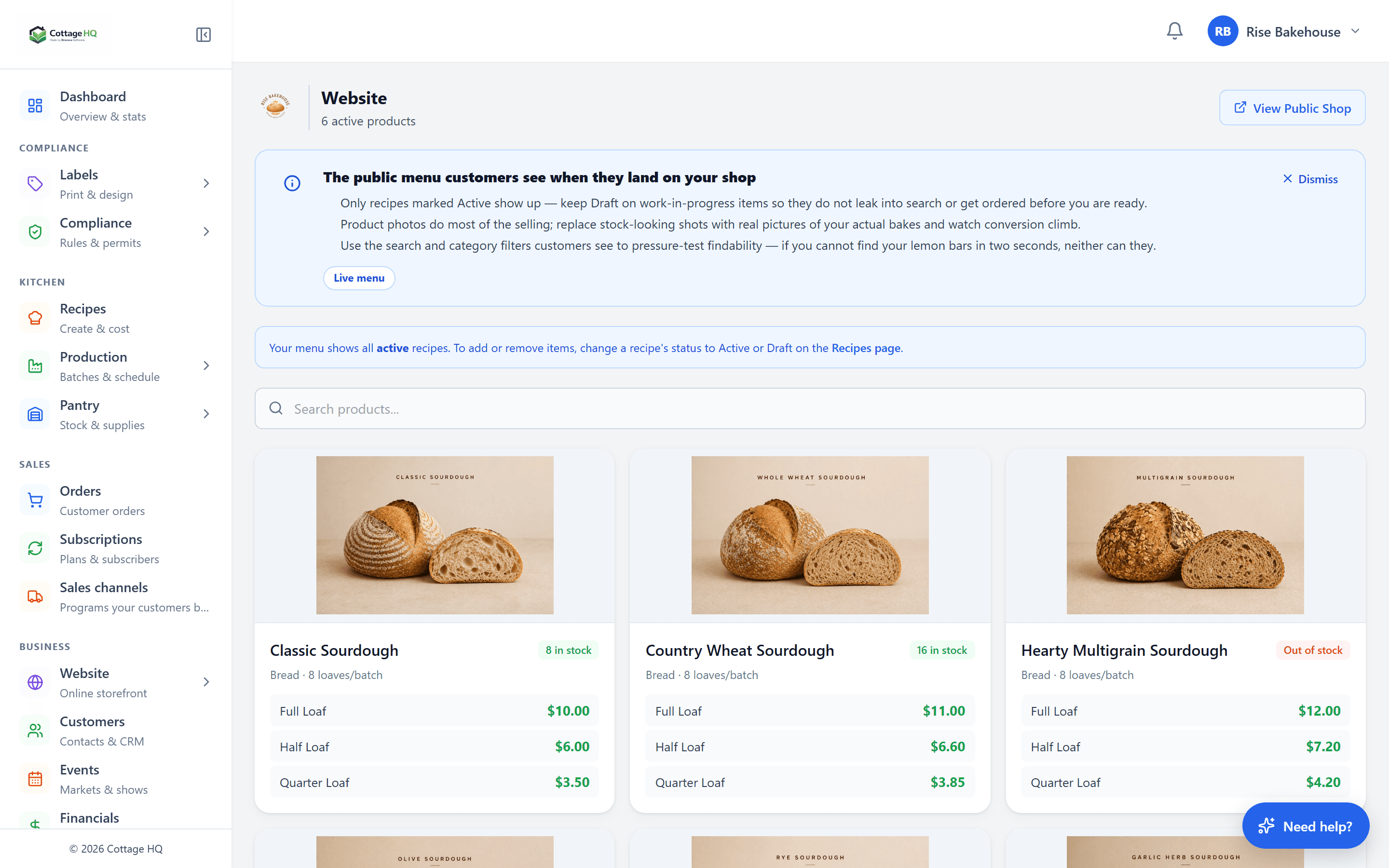
A complete site editor with AI that writes good copy and 22 niche-specific starter templates.
What you can do with it
- Drag-drop website builder with click-to-select from preview
- Page sections (hero, product grid, FAQ, contact, custom)
- Brand styling — colors, fonts, spacing tokens
- Product pages with smart fields
- About section with editable blocks
- Contact section with form handling
- Custom content blocks (text, image, video, embed)
- Mobile-responsive layout out of the box
- SEO fields (title, meta description, social card)
- Image library with Pexels integration
- 22 niche-specific template starters
- Custom domain (your-bakery.com)
- Subdomain (your-slug.cottageheadquarters.com)
- Live preview while editing
- Publish controls with revision history
Blog & Content (9)
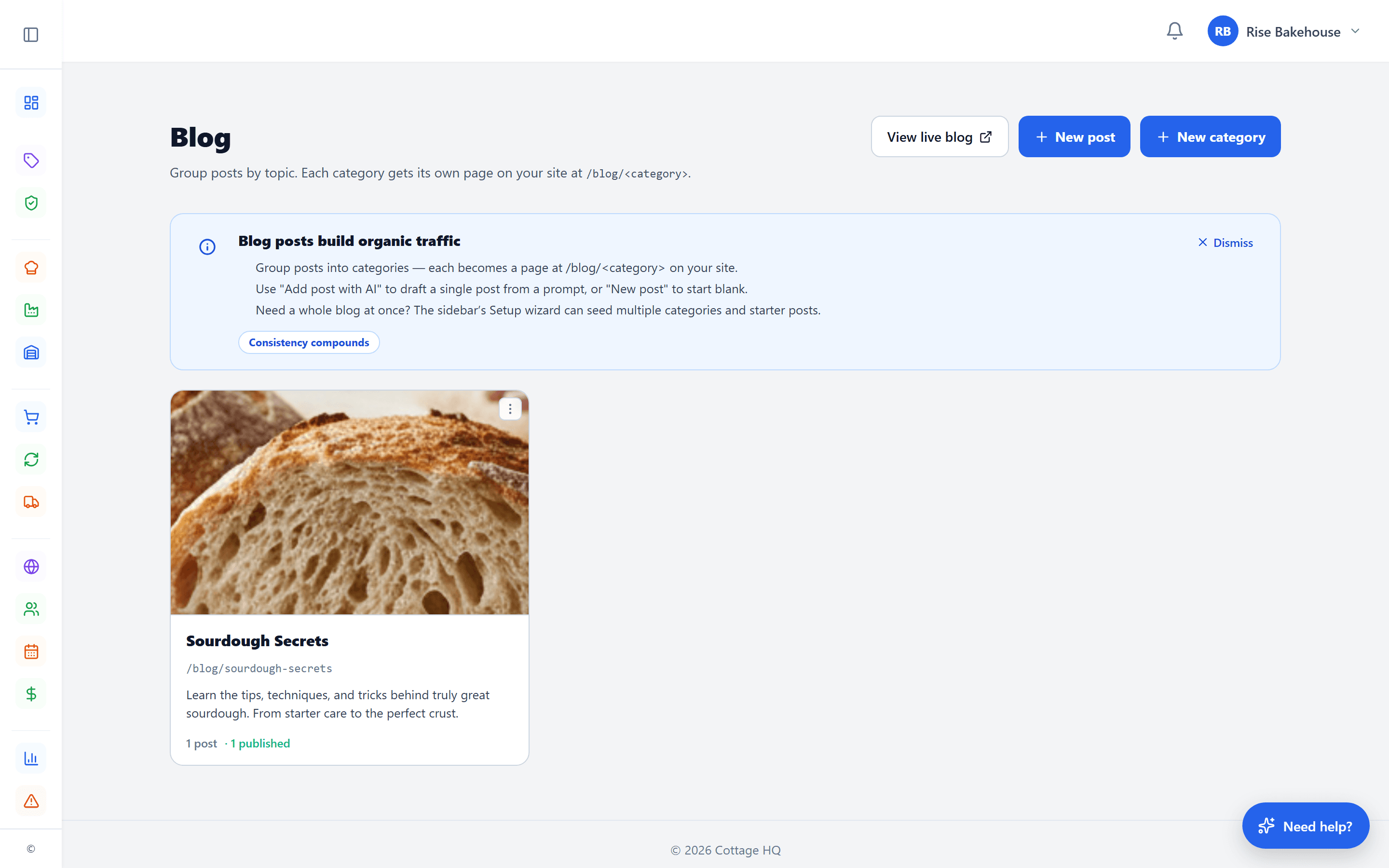
Publish posts to drive SEO, build trust, and tell your story. AI drafts the next article so the blank page is never the blocker.
What you can do with it
- Blog post editor with the same block primitives as the storefront pages
- Categories and tags for organizing posts
- Featured image, excerpt, and reading-time auto-calculated
- SEO fields (title, meta description, social card image) per post
- Schedule posts to publish at a specific date and time
- Customer comments on posts with moderation queue
- Post revisions with one-click rollback to any prior version
- AI blog plan — generate a content calendar of post ideas for your niche
- AI post generator — turn a topic prompt into a full draft you can edit
Marketing Automations (10)
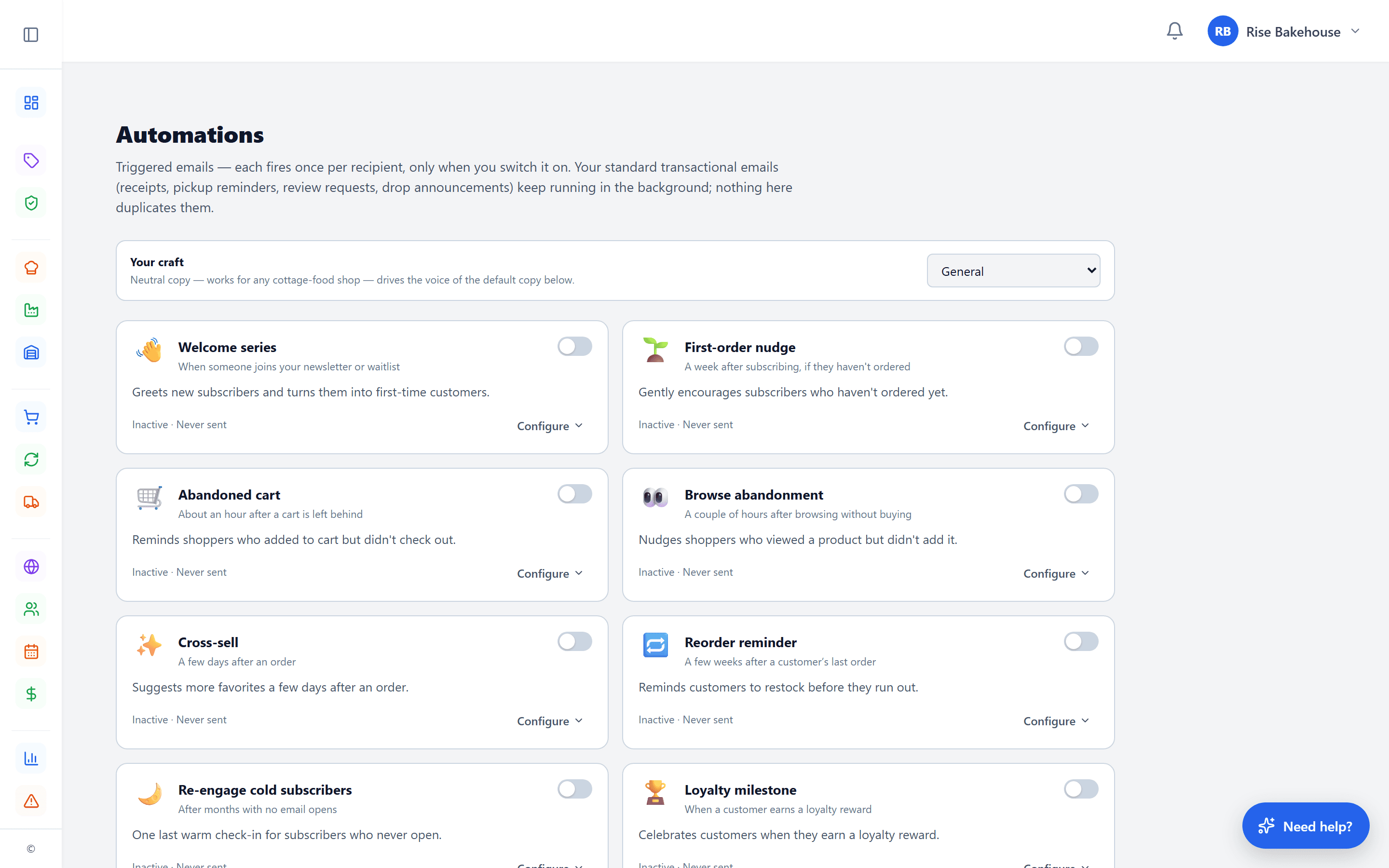
Automated email sequences that run in the background — welcome new customers, recover abandoned carts, remind drop subscribers, and win back the ones who slip away.
What you can do with it
- Welcome series for new customer accounts
- Abandoned-cart recovery emails after a shopper leaves
- Post-purchase follow-up — order shipped, ready for pickup, ask for a review
- Drop reminders — opens today, closing in 24 hours
- "We miss you" inactivity automation for lapsed buyers
- Multi-step sequences with custom delays between steps
- Per-email block editor — customize subject, preview, body for each step
- Audience filtering per automation (new, returning, VIP, segment)
- AI-assisted: generate the email, rewrite a block, or transform the whole email
- Enrollment dedup — no customer ends up in two welcome series at once
Email Broadcasts & Templates (8)
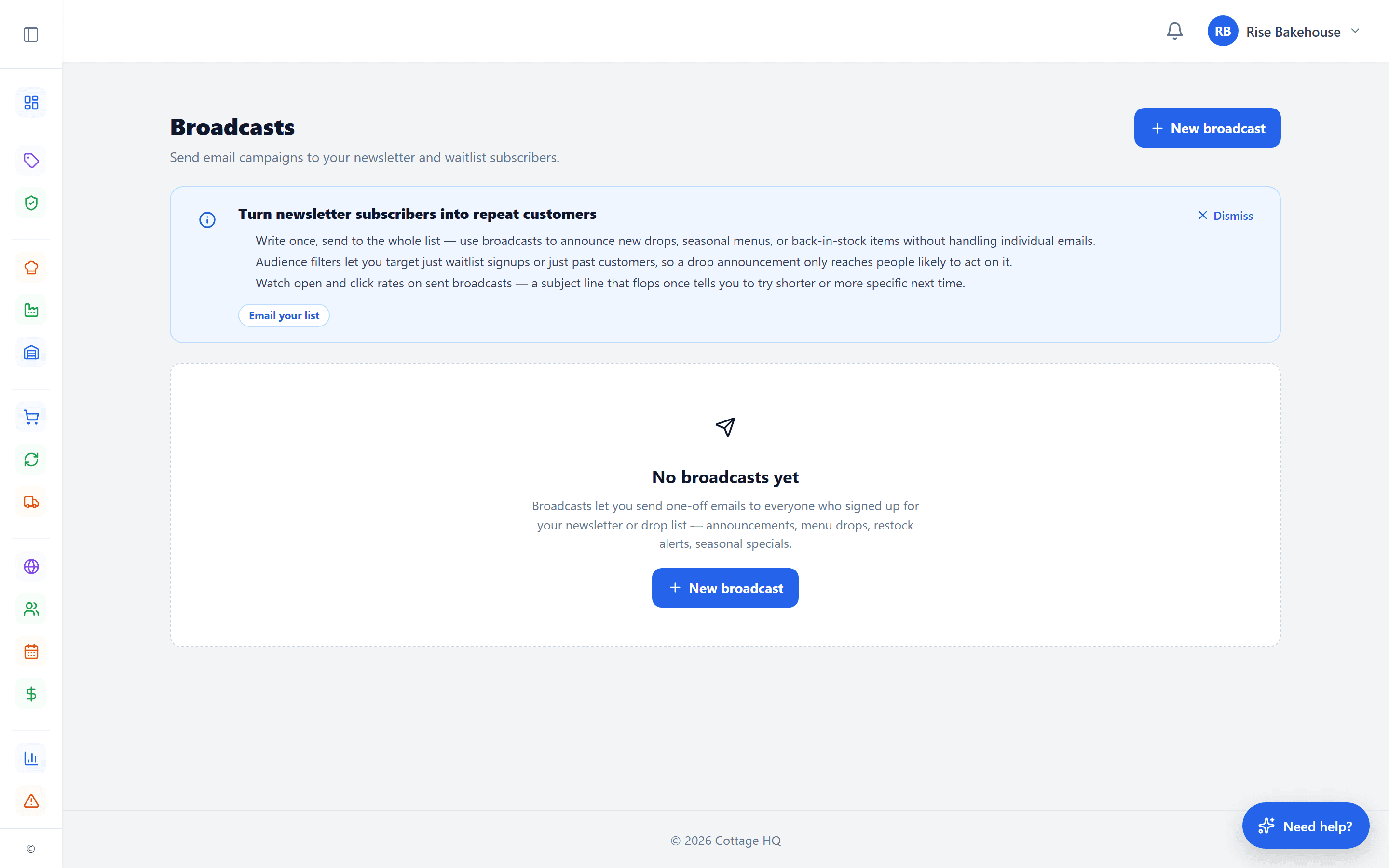
One-off campaigns sent through the same block-based composer the website builder uses, with a library of ready-to-edit templates.
What you can do with it
- Block-based broadcast composer — same blocks as your site editor
- Pre-built template library to start from instead of a blank canvas
- Audience filtering (all subscribers, customer segments, custom)
- Subject + preview text composer with live character counts
- Send now or schedule for later (date + time)
- Open and click tracking per send, per recipient
- Revenue attribution — see what each broadcast actually earned
- AI generate broadcast, AI rewrite a single block, AI transform the whole email
Branded Inbox (8)
A real branded inbox with your business name on every address — not a forwarded Gmail.
What you can do with it
- Branded addresses out of the box (orders.slug@, support.slug@, hello.slug@)
- Custom roles with their own display name, signature, and labels (events@, wholesale@, etc.)
- Threaded inbox view with attachment support and labels for organization
- Saved replies / canned responses with merge tags ({customer.name}, {order.id})
- Per-role auto-replies or one shared out-of-office message
- Operator-defined spam rules layered on top of platform-wide filtering
- Custom email domain — send and receive on orders@yourbakery.com
- Forward-a-copy to your personal address so nothing slips
Discounts & Promotions (8)
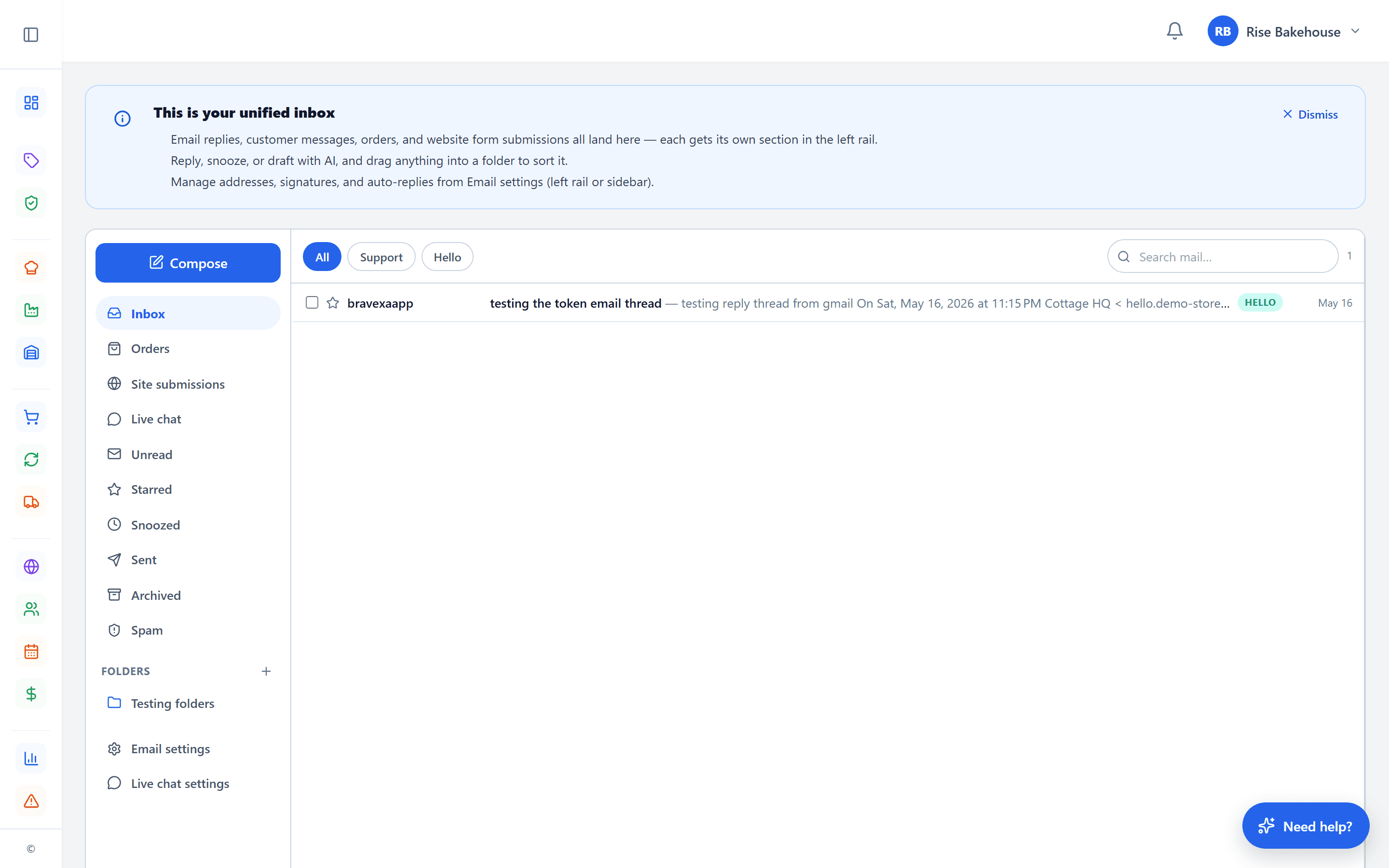
Three flavors of discount — coupon codes, per-customer gifts, and auto-applied promos — with the audit trail to keep your books clean.
What you can do with it
- Coupon codes with custom names and expiration dates
- Customer-specific gift codes — issue a one-time discount to a single customer
- Auto-applied promos that fire when conditions are met (no code needed)
- Reward types: percent off, fixed amount off, free shipping or pickup
- Minimum order amount, total max uses, and per-customer use limits
- First-order-only flag for new-customer welcome offers
- Per-recipe targeting — apply a discount only to specific products
- Live preview at checkout + append-only redemption ledger for the audit trail
Live Chat (6)
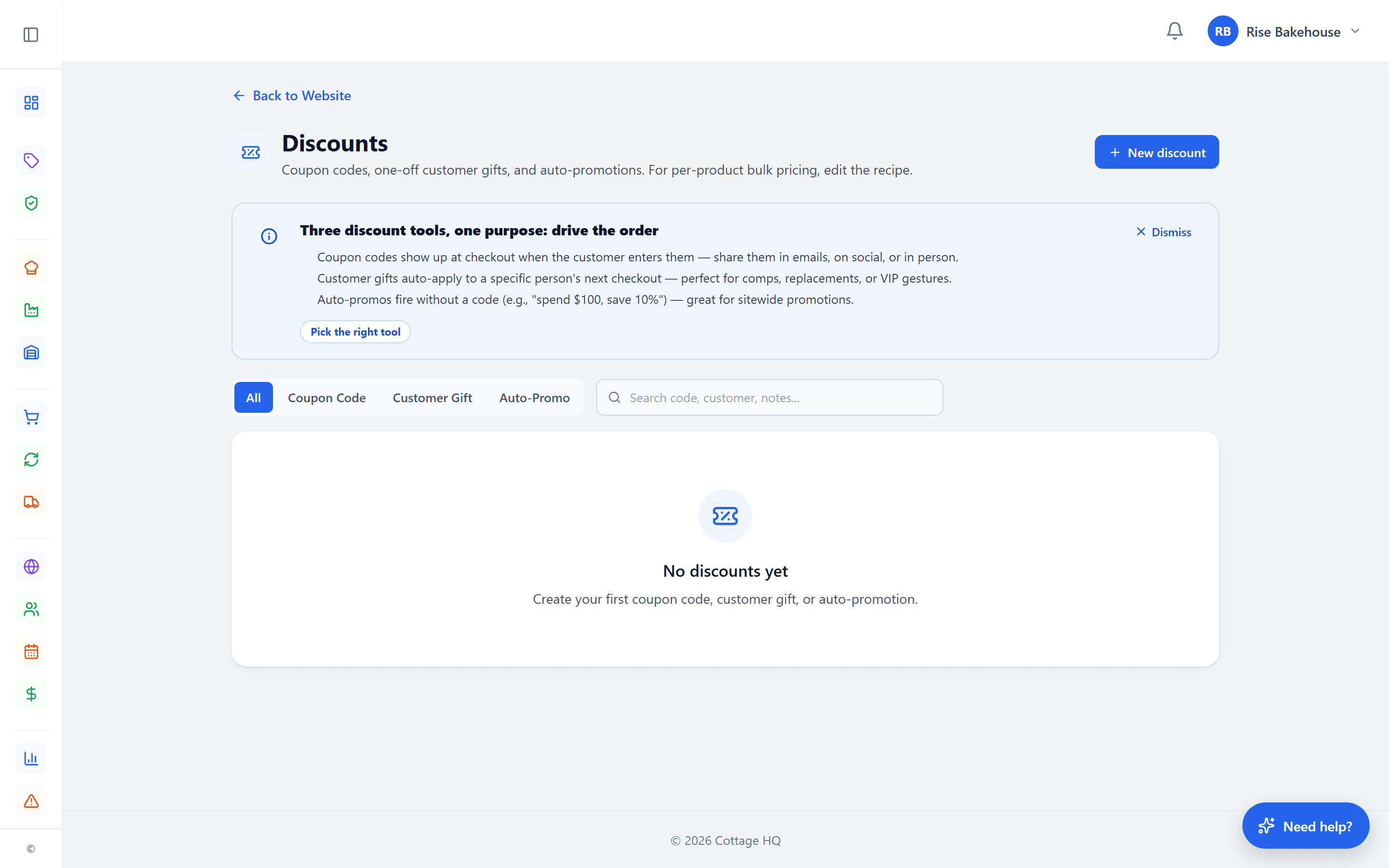
A customer-facing chat widget on your storefront that converts hesitant shoppers into orders.
What you can do with it
- Embeddable chat widget on every storefront page
- Operator dashboard with live sessions, history, and unread badges
- Instant answers — pre-written replies that fire before escalating to you
- Configurable hours of availability + away messages outside hours
- Conversation history persists across customer visits
- After-hours fallback to support ticket or email so nothing gets lost
Reviews & Forms (8)
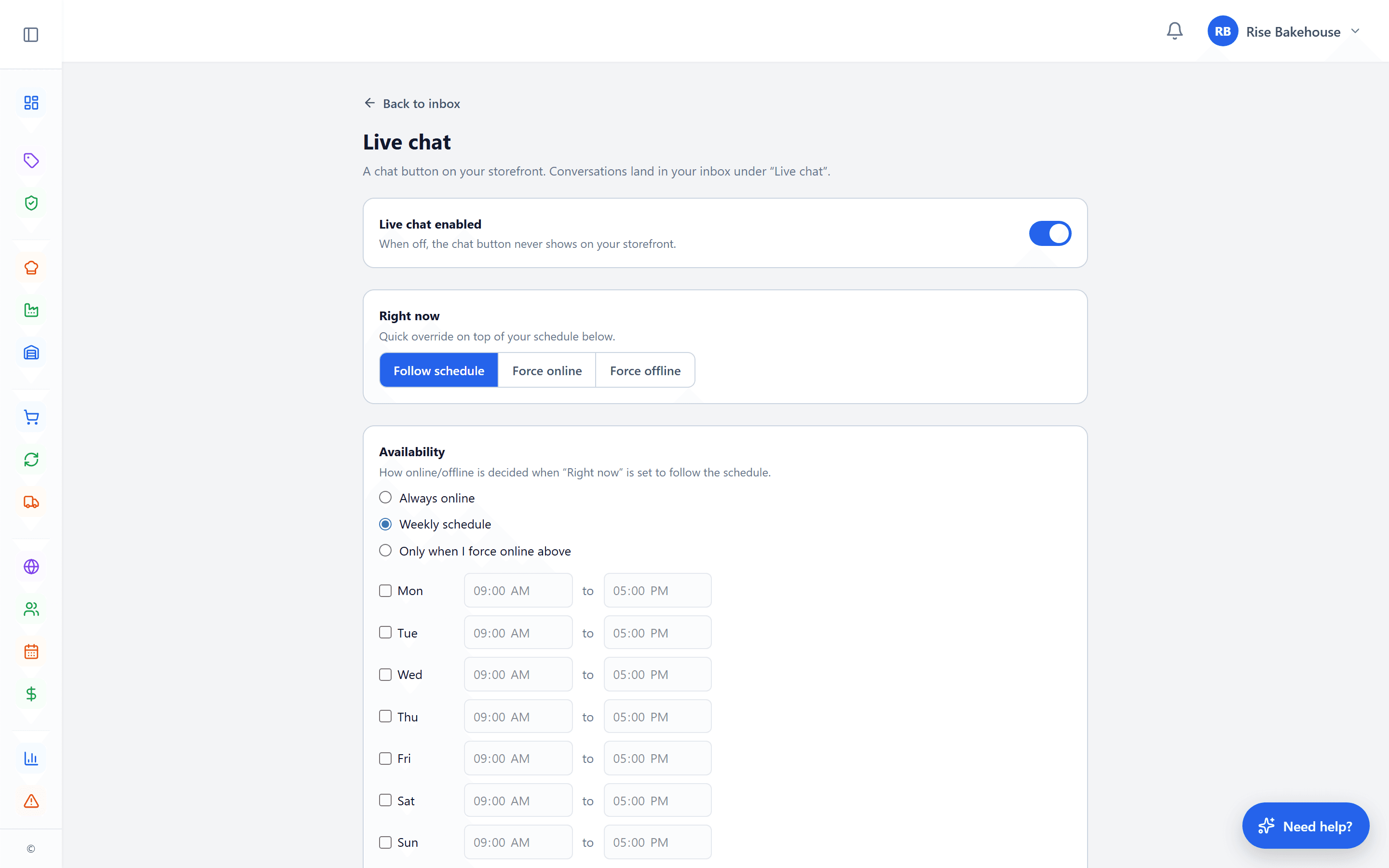
Build trust with real customer reviews on every product, and collect structured intake (custom orders, allergen questions, event inquiries) with a flexible form builder.
What you can do with it
- Customer reviews on product pages with star ratings, photo support, and body text
- Per-recipe review stats (average rating, count) rolled up automatically
- Moderation queue with approve / reject / hide actions and operator reply
- Form builder for custom contact, intake, quote, or RSVP forms
- Drag-drop field types (text, email, phone, select, multi-select, date, file)
- Per-form submission inbox with email notifications and reply-to set to submitter
- Honeypot + time-gating anti-spam built into every form
- AI-generate a form from a prompt — "wedding cake consultation intake" → ready to embed
Storefront & Customer Experience (10)
A polished customer experience built around how cottage food actually sells.
What you can do with it
- Branded storefront at your-slug.cottageheadquarters.com or custom domain
- Product listings with images, variants, and pricing
- Mobile-first responsive design
- Cart with line management and discount apply
- Checkout with pickup-window scheduling
- Pickup windows with operator-set capacity limits
- Product drops — time-boxed pre-orders
- Subscriptions (recurring orders with pause / cancel)
- Customer notes captured at checkout
- Order confirmation experience with reusable token link
Help & Support (6)
Cottage Helper AI in your dashboard. Real humans behind the support email.
What you can do with it
- In-dashboard Cottage Helper AI chat with page-aware welcome
- Past conversation sessions saved per operator
- Escalate to a support ticket from chat
- In-app tips explaining what each page does and why it matters
- State law lookups inline in chat
- Direct support email — a real person answers, usually within hours
Try Cottage HQ free for 14 days.
Full access to every feature on this page. No credit card to start.
Start your free trial